

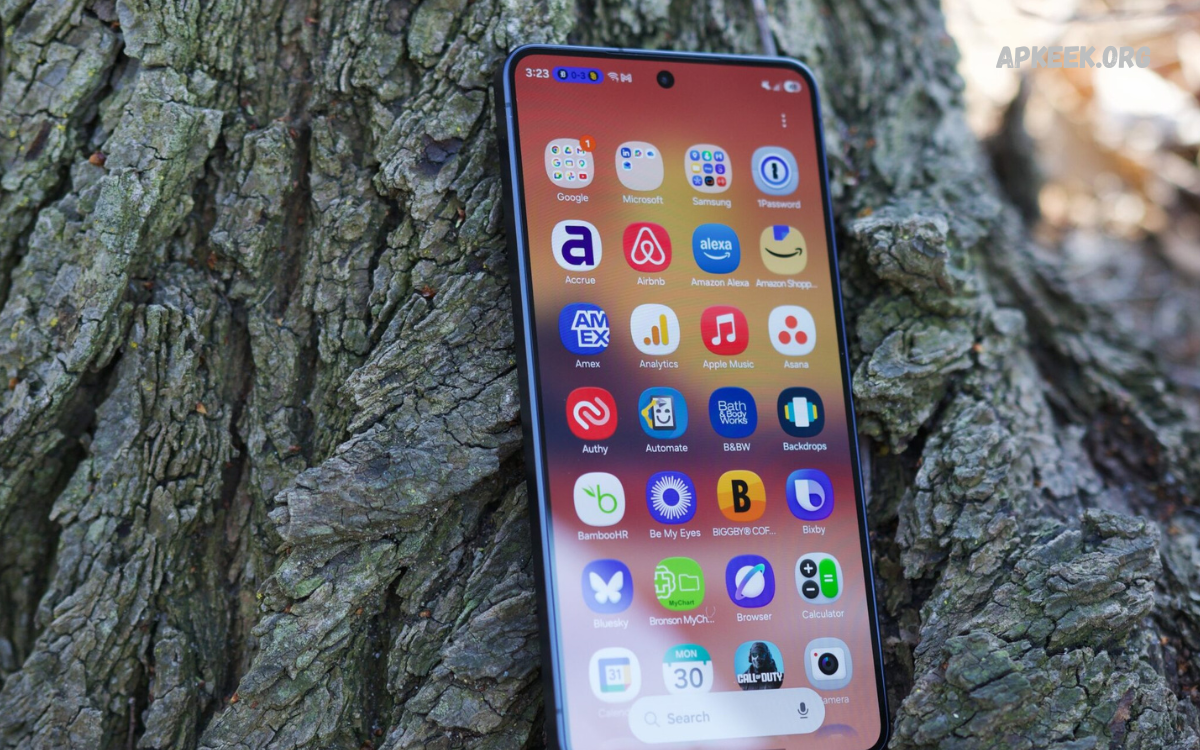
Android smartphones have become essential tools for communication, work, education, entertainment, and personal productivity. With thousands of apps available, choosing the right ones can save time, improve efficiency, and help you get more value from your device without spending money.
The best free Android apps for 2026 offer useful features for different needs, from managing daily tasks and editing photos to learning new skills and protecting personal information. Whether you are a student, professional, content creator, or casual smartphone user, the right combination of apps can make your Android experience more convenient and enjoyable.
Why Choose the Best Free Android Apps for 2026?
Free Android apps let users access valuable digital tools without paying an upfront subscription or purchase fee. Many offer strong features for organizing schedules, communicating with others, creating content, and managing daily tasks.
However, free does not always mean completely unrestricted. Some applications include advertisements, optional in-app purchases, or premium subscriptions. Before installing an app, review its features, permissions, privacy policy, and recent user feedback to determine whether it meets your requirements.
Google Drive for File Storage and Productivity
Google Drive is a useful choice for storing documents, photographs, videos, and other important files in the cloud. It lets users access files across supported devices, share documents, and collaborate with others as needed.
The application is particularly helpful for students and professionals who regularly work with digital documents. Its free storage is shared across certain Google services, so users should monitor available space and remove unnecessary files when storage becomes limited.
Google Keep for Notes and Reminders
Google Keep helps users record ideas, create checklists, and organize important information. Its simple interface makes it easy to save quick notes, create shopping lists, and track everyday responsibilities.
Users can organize notes with labels, colors, and reminders, making information easier to find. It is a practical free Android app for people who want a lightweight note-taking solution without the complexity of a full project management platform.
Microsoft To Do for Task Management
Microsoft To Do helps users manage daily tasks, organize responsibilities, and build productive routines. You can create separate lists for work, personal projects, shopping, and other activities.
Reminders and recurring tasks help users stay organized throughout the week. For people balancing education, work, and personal commitments, this app offers a straightforward way to plan activities and track progress.
ChatGPT for AI Assistance
ChatGPT can help Android users brainstorm, write, summarize information, explain difficult concepts, and generate ideas. It can also help users prepare study notes, draft professional messages, and organize plans for personal or work-related projects.
The app offers free access with usage limits that may change over time. AI-generated responses can contain mistakes, so check important facts against reliable sources, especially for medical, legal, financial, or other high-impact decisions.
Canva for Graphic Design and Social Media
Canva is a convenient graphic design application for creating social media posts, presentations, posters, invitations, and other visual content. Its templates and editing tools help beginners produce professional-looking designs without extensive graphic design experience.
The free version includes a useful selection of templates and design features, while some premium assets and advanced tools require payment. It is especially suitable for bloggers, students, small businesses, and content creators who need attractive graphics directly from an Android smartphone.
Snapseed for Photo Editing
Snapseed is a popular photo editing app that offers tools to improve images, adjust colors, correct exposure, and apply creative effects. Its editing controls let users enhance photos without needing a desktop computer.
The app is useful for travel photography, personal pictures, and social media content. Users can make detailed adjustments to brightness, contrast, sharpness, and other image properties to improve results while maintaining greater control over the final appearance.
CapCut for Video Editing
CapCut provides video editing tools for creating short videos, social media clips, and other visual content. Depending on the version and region, users may find features such as trimming, transitions, captions, effects, and audio editing.
It can be a practical choice for beginners who want to create engaging videos using their phones. Some features, templates, or AI-powered tools may require payment, and availability can change, so check the current app listing before relying on a particular feature.
VLC for Android for Media Playback
VLC for Android is a versatile media player that supports many common audio and video formats. It can play locally stored media and offers playback controls that help users manage their listening and viewing experience.
The application is particularly helpful for people who maintain personal music collections or watch downloaded videos. Because it supports a wide range of formats, it can reduce the need to install multiple media players for different file types.
Bitwarden for Password Management
Bitwarden helps users securely organize passwords and other sensitive login information in a digital vault. Instead of remembering separate passwords for every website, users can use a password manager to generate and store strong, unique credentials.
Its free offering provides useful password management features, although available functionality may change. Protect your account with a strong master password and available additional authentication options, and never share your vault credentials with untrusted people.
Google Authenticator for Account Security
Google Authenticator generates verification codes that can provide an additional layer of protection for supported online accounts. When an account supports authenticator-based two-factor authentication, a code can help verify your identity during sign-in.
This app is especially valuable for people who use email, social media, and other online services regularly. Keep account recovery options up to date and follow the service’s backup instructions so you do not lose access if your phone is lost or replaced.
Google Maps for Navigation and Travel
Google Maps helps users find locations, explore nearby places, plan routes, and navigate unfamiliar areas. Depending on the location and available data, it can provide information about businesses, traffic conditions, public transportation, and estimated travel times.
Users can download maps for supported areas to navigate offline, although some features require an internet connection. Before a trip, review your route and confirm important details because road conditions, business hours, and local information can change.
Read Also: Best MCX Commodity Telegram Channel
Spotify for Music and Podcasts
Spotify offers access to a large catalog of music, podcasts, and other audio content. Its recommendations and personalized playlists help listeners discover new artists and find entertainment suited to their interests.
The free experience typically includes advertising and may restrict certain playback features depending on the device, market, and current plan. It remains a useful option for people who want convenient access to audio entertainment without immediately purchasing a subscription.
Duolingo for Language Learning
Duolingo makes language learning more accessible through short lessons, interactive exercises, and progress tracking. Users can practice vocabulary, pronunciation, listening, and basic sentence construction in manageable daily sessions.
The app is suitable for beginners who want to build a consistent learning habit. Some features may be limited by a paid plan, and learners can improve their results by combining app-based practice with conversation, reading, and listening to authentic language materials.
Google Photos for Photo Organization
Google Photos helps users organize photographs and videos, search for images, and create albums. Its search and categorization features make it easier to find specific memories without manually browsing every picture on a device.
Storage availability depends on the user’s Google account and shared storage usage. Review backup settings carefully, particularly when using mobile data, and remember that deleting or removing backed-up content may affect how it appears across connected devices and services.
Files by Google for Storage Management
Files by Google helps users browse documents, find downloads, organize files, and identify items that may be safe to remove. It can make everyday file management simpler for people who regularly download documents, images, and videos.
Before deleting anything, make sure the file is unnecessary and that important documents are backed up. Storage-cleaning recommendations can help, but users should avoid deleting unfamiliar files just to free up a small amount of space.
How to Choose the Right Free Android Apps
The best applications depend on your daily routine and the problems you want to solve. Students may benefit most from note-taking, learning, and document apps, while content creators may prioritize photo editing, graphic design, and video production tools.
Before installing an application, check whether it works with your Android version, how much storage it requires, and whether its essential features are free. Review permissions and privacy practices, and whenever possible, download apps from trusted sources such as Google Play.
Tips for Using Android Apps Safely
Keep your applications and Android operating system updated to receive available security fixes and improvements. Remove apps you no longer use, review sensitive permissions regularly, and avoid installing unfamiliar APK files from untrusted websites.
Use strong, unique passwords for important accounts and enable two-factor authentication where available. Be cautious with apps that request unnecessary access to contacts, messages, location, or accessibility services, especially when those permissions do not match the app’s purpose.
Benefits of Installing Free Android Apps
Free apps can improve productivity, support learning, simplify communication, and provide convenient access to creative tools. By choosing applications that serve specific purposes, users can build a smartphone setup that supports their personal and professional goals without unnecessary spending.
The key is to focus on quality rather than quantity. A small collection of reliable apps is often more useful than dozens of applications that consume storage, send excessive notifications, or duplicate the same features.
Frequently Asked Questions
What are the best free Android apps for 2026?
Some useful options include Google Drive, Google Keep, ChatGPT, Canva, Snapseed, VLC, Bitwarden, Google Maps, and Duolingo. The best choices depend on your needs, device compatibility, and the features available in your region.
Which free Android apps are best for students?
Google Drive, Google Keep, Microsoft To Do, ChatGPT, and Duolingo can help students organize notes, manage assignments, understand concepts, and practice languages. Students should verify AI-generated information before using it in academic work.
Which Android apps are best for productivity?
Google Drive is useful for documents and file storage, Google Keep supports quick notes, and Microsoft To Do helps organize tasks. Using these tools together can make it easier to manage daily responsibilities.
Is ChatGPT free on Android?
ChatGPT offers a free plan through its Android app, subject to usage limits and feature availability. Paid plans may provide additional capabilities, and current limits can change over time.
Which free Android app is best for photo editing?
Snapseed is a strong option for detailed photo adjustments. Canva is useful for combining images with text, templates, and graphic design elements for social media or presentations.
Which free Android app is best for video editing?
CapCut is a popular option for short-form video editing, with features like transitions, captions, and effects. Some tools may be paid or unavailable in certain regions.
Are free Android apps safe to install?
Many free apps are legitimate, but users should check the developer, permissions, privacy practices, and recent reviews before installing them. Downloading from trusted app stores reduces certain risks but does not guarantee complete safety.
Do free Android apps contain advertisements?
Some free apps display advertisements or offer paid upgrades, while others provide their main features without ads. Check the app description and settings to understand its current business model.
How can I free up storage on my Android phone?
Use a file management app to identify unnecessary downloads, duplicate files, and large items. Back up important content before deleting it, and remove unused apps to free up more storage space.
How many Android apps should I install?
There is no fixed number that works for everyone. Install apps that provide genuine value, avoid unnecessary duplication, and remove apps you no longer use periodically.
Conclusion
The best free Android apps for 2026 can help you work more efficiently, protect your accounts, create better content, learn new skills, and enjoy entertainment from your smartphone. Tools such as Google Drive, ChatGPT, Canva, Snapseed, VLC, and Bitwarden cover many common everyday needs.
Instead of installing every popular application, select the ones that match your priorities and use them consistently.
