

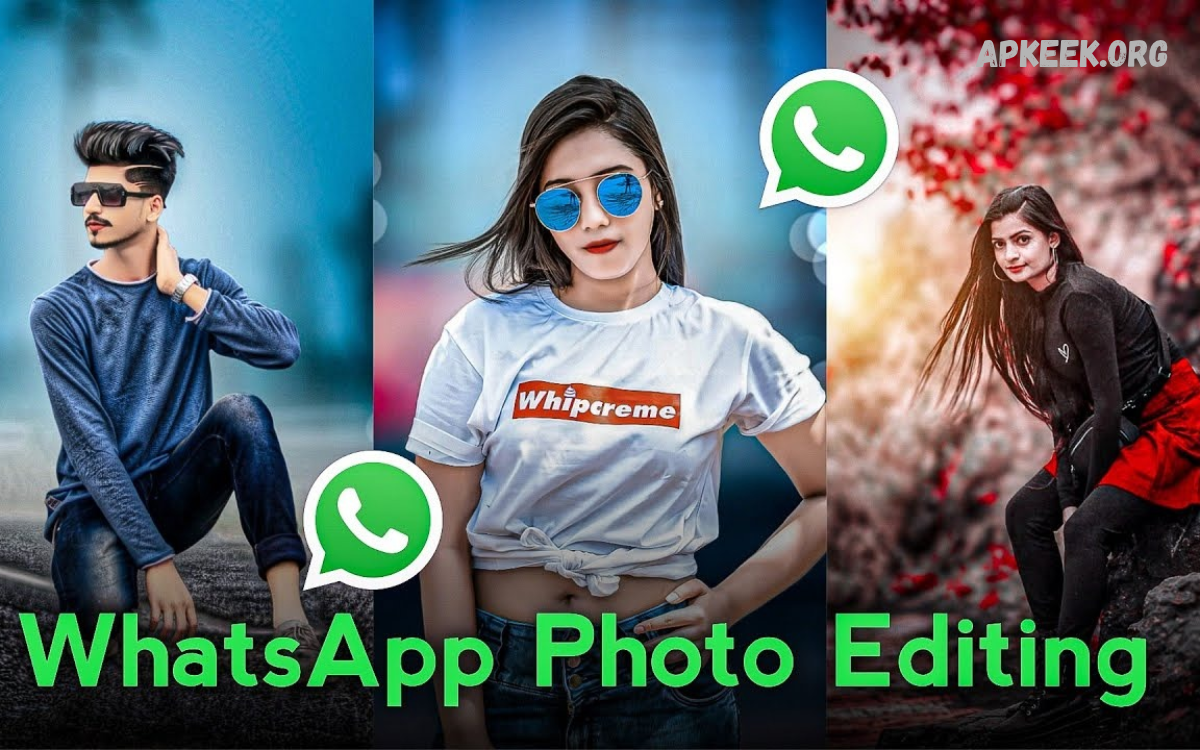
WhatsApp Photo Editing offers a simple way to make ordinary pictures look attractive, creative, and professional. Users can improve profile photos, customize status images, add stylish text, and create memorable visuals using mobile editing applications.
Photo editing has become an important part of digital communication. A well-designed picture can express emotions, celebrate special occasions, and make personal conversations more interesting.
What Is WhatsApp Photo Editing?
WhatsApp Photo Editing refers to the process of improving pictures before sharing them through WhatsApp. It includes cropping, adjusting brightness, changing colors, adding filters, removing unwanted backgrounds, and creating customized designs.
Users can edit photographs for profile pictures, status updates, group icons, and personal messages. Different editing applications offer additional creative options, allowing users to personalize images to suit their preferences.
Importance of WhatsApp Photo Editing
Attractive photographs help users communicate visually and express their personalities. A properly edited image can make a profile look organized while giving status updates a distinctive appearance.
Photo editing also helps improve image quality before sharing. Users can correct lighting, adjust colors, remove distractions, and create balanced compositions that look appealing on different mobile screens.
WhatsApp Profile Picture Editing
A WhatsApp profile picture represents a user’s account and provides a recognizable visual identity. Choosing a suitable photo and improving its appearance can create a clean, attractive profile.
Users can adjust image brightness, crop unnecessary areas, improve sharpness, and apply subtle filters. Square compositions work particularly well because WhatsApp displays profile photographs inside a circular frame.
Best Editing Styles for WhatsApp Photos
Different editing styles can transform ordinary photographs into unique visual designs. Natural colors, soft lighting, cinematic effects, and minimal adjustments remain useful choices for creating attractive WhatsApp images.
Users can experiment with different styles according to the photograph and its purpose. A simple portrait may benefit from natural lighting, while a landscape photograph can look interesting with improved contrast and balanced colors.
WhatsApp Status Photo Editing
WhatsApp Status lets users share photos, videos, and creative updates with their contacts. Edited status images can make everyday moments, celebrations, travel memories, and special announcements more visually appealing.
Users can add text, stickers, backgrounds, filters, and decorative elements before publishing an update. Choosing suitable colors and keeping text readable helps create professional-looking status designs.
Popular Photo Editing Features
Modern editing applications include several features that make picture customization easier. These tools let users adjust an image’s appearance without requiring advanced photography or graphic design knowledge.
Popular features include brightness adjustment, contrast control, color correction, background editing, cropping, sharpening, and creative filters. Used carefully, these tools can produce balanced photos suitable for WhatsApp sharing.
Brightness and Contrast Adjustment
Brightness controls the overall lightness of a photograph, while contrast changes the difference between lighter and darker areas. Proper adjustments can improve visibility and make important image details easier to recognize.
Users should avoid excessive brightness or contrast because extreme settings can remove natural details. Small adjustments generally create better results and preserve the original appearance of a photograph.
Color Correction for WhatsApp Photos
Color correction improves the appearance of photographs by adjusting temperature, saturation, tint, and other visual properties. These controls help correct unusual lighting and create more balanced images.
Warm colors can create a comfortable atmosphere, while cooler tones produce a different visual impression. Maintaining natural skin tones and realistic colors helps photographs appear clear and consistent.
Background Editing for WhatsApp Images
Background editing allows users to change or improve the surroundings of a photograph. Removing distracting objects, applying simple backgrounds, or adding subtle blur effects can make the main subject more noticeable.
Creative backgrounds are especially useful for profile pictures and personalized status designs. Users should select backgrounds that complement the subject instead of making the overall image look crowded.
Adding Text to WhatsApp Photos
Text editing helps users communicate messages directly through photographs. Names, short quotes, greetings, and special announcements can turn ordinary pictures into personalized visual content.
Choosing readable fonts and suitable colors improves the appearance of text-based designs. Proper spacing and balanced positioning also help keep important information easy to understand.
Adding Stickers and Emojis
Stickers and emojis provide a playful way to personalize WhatsApp photographs. Users can include decorative elements, expressive symbols, and themed graphics to make status images more engaging.
However, excessive decorations can distract viewers from the main photograph. Selecting a few relevant stickers usually creates a cleaner and more attractive design.
Best Apps for WhatsApp Photo Editing
Several mobile applications provide useful tools for preparing photographs before sharing them on WhatsApp. These applications include simple editing controls, creative filters, background features, and design templates.
The best application depends on editing requirements and personal preferences. Beginners may prefer straightforward interfaces, while experienced users may appreciate advanced color adjustments and detailed customization options.
Snapseed for WhatsApp Photo Editing
Snapseed provides a collection of photography tools designed for detailed image improvements. Users can adjust brightness, contrast, white balance, perspective, sharpness, and specific areas of an image.
Its editing controls make it suitable for improving portraits, landscapes, and everyday photographs. Users can also experiment with creative filters while maintaining control over individual adjustments.
PicsArt for Creative WhatsApp Photos
PicsArt offers creative editing features for users who want customized photos and graphic designs. Its tools include stickers, text effects, filters, background editing, and decorative elements.
Users can create personalized profile pictures, attractive status designs, and themed images. Its creative features make it useful for experimenting with different visual styles.
Lightroom Mobile for Professional Editing
Lightroom Mobile provides advanced photo adjustments for users who want greater control over how images look. Exposure, highlights, shadows, color temperature, and detailed color settings help improve photograph quality.
Users can also apply presets to create consistent editing styles across multiple images. These features are useful when preparing professional-looking photographs for WhatsApp profiles and status updates.
Canva for WhatsApp Photo Designs
Canva is useful for creating customized WhatsApp graphics, announcements, greetings, and status designs. Its templates, fonts, illustrations, and layout tools make graphic creation accessible to beginners.
Users can select a suitable design, replace existing text, add photographs, and customize colors. Simple layouts help produce clear, visually organized results.
CapCut for Photo and Video Editing
CapCut includes creative tools for editing short videos and visual content. Users can combine photographs, add transitions, include text, and create slideshow-style updates.
Its features can help prepare engaging visual content for WhatsApp Status. Users should select suitable export settings to maintain good quality and avoid unnecessarily large files.
WhatsApp Photo Editing Without Additional Apps
WhatsApp includes basic media editing features that let users customize photos before sending them. Available options can include cropping, rotating, drawing, adding text, and applying stickers.
These built-in tools are convenient for quick edits because users don’t need to switch between apps. They are particularly useful for simple status updates and everyday photo sharing.
How to Edit Photos Before Sending on WhatsApp
Editing a photograph before sharing improves its presentation and removes unnecessary visual distractions. Users can select an image, make suitable adjustments, and preview the final result before sending it.
Start with cropping and lighting corrections, then add optional text or stickers. Review the complete photograph to ensure important details remain visible and the composition looks balanced.
Read Also: How to Use WhatsApp Business to Earn Money in India in 2026
How to Create Attractive WhatsApp DP Images
A WhatsApp display picture should have a clear subject and suitable composition. Selecting a photograph with balanced lighting and an uncluttered background can improve its appearance.
Users can experiment with subtle filters, color adjustments, and suitable cropping. Checking the circular profile preview also helps prevent important details from disappearing near the edges.
WhatsApp Photo Editing for Special Occasions
Special occasions provide opportunities to create personalized photographs and memorable status updates. Birthday greetings, wedding celebrations, festivals, anniversaries, and graduation memories can all benefit from creative editing.
Users can include suitable colors, decorative backgrounds, photographs, and short messages. Keeping the design connected to the occasion creates a more meaningful visual presentation.
Birthday Photo Editing for WhatsApp
Birthday photographs can become attractive digital greetings through simple editing techniques. Users can add colorful backgrounds, decorative text, balloons, and suitable birthday-themed stickers.
Personal photographs can also be combined with short messages to create customized greetings. Choosing readable fonts and balanced decorations helps maintain a clean design.
Wedding Photo Editing for WhatsApp
Wedding photographs often contain meaningful memories that users want to share with friends and family. Soft lighting, balanced colors, and subtle background improvements can enhance these photographs.
Users can create wedding status designs, couple photo layouts, and personalized greeting images. Natural editing generally preserves the original atmosphere of wedding photographs.
Festival Photo Editing for WhatsApp
Festival photographs often include colorful decorations, traditional clothing, family gatherings, and memorable celebrations. Appropriate editing can enhance these images while preserving their original cultural atmosphere.
Users can add festival greetings, decorative borders, and themed backgrounds. Balanced colors and readable text help create attractive photographs for WhatsApp Status.
WhatsApp Photo Editing for Social Media Creators
Content creators can use WhatsApp photographs to share updates, promote creative projects, and communicate with their audiences. Consistent image styles help maintain a recognizable appearance across different updates.
Creators can prepare promotional graphics, announcement images, behind-the-scenes photographs, and customized profile pictures. Clear text and professional layouts make shared content easier to understand.
Tips for High-Quality WhatsApp Photos
Good photos start with good lighting, proper composition, and clear subjects. Editing can improve these elements, but starting with a quality original image usually produces better results.
Avoid excessive filters, unnecessary decorations, and extreme color adjustments. Keeping photographs natural and balanced helps preserve details across different mobile displays.
Choosing the Right Image Size
Image dimensions influence how photographs appear across WhatsApp features. Profile pictures, status images, and shared photos may use different display areas, so choosing the right crop is important.
A square image works well for profile pictures, while a vertical composition suits full-screen status updates. Users should preview photographs before sharing to ensure important subjects remain visible.
Maintaining WhatsApp Photo Quality
Photograph quality can change during sharing because messaging platforms may compress media. Compression reduces file sizes and improves sharing performance, although it can affect image details.
WhatsApp provides an HD media-sharing option in supported versions. Users can select this option when higher visual quality is important, and the feature is available.
Common WhatsApp Photo Editing Mistakes
Excessive filters can make photographs appear unnatural and reduce important image details. Overusing stickers, decorative borders, and text can also create crowded designs that are difficult to understand.
Another common mistake involves ignoring image dimensions and cropping. Users should check the final preview and maintain suitable spacing around important subjects before sharing photographs.
Privacy and Safety During Photo Editing
Privacy deserves attention when editing and sharing personal photographs. Users should consider which images they share, who can view their status updates, and whether photographs contain private information.
It is also important to review application permissions before using third-party editing tools. Selecting trusted applications and avoiding unnecessary access to personal files can support safer mobile editing.
Creative WhatsApp Photo Editing Ideas
Creative editing provides many ways to make photographs more personal and interesting. Users can experiment with monochrome effects, soft backgrounds, minimal typography, collage layouts, and cinematic color adjustments.
Another approach involves creating matching profile pictures and status graphics. Consistent colors and visual themes can give shared photographs a more organized appearance.
Future of WhatsApp Photo Editing
Mobile photography technology continues to introduce new creative possibilities. Artificial intelligence, automatic background removal, smart filters, and improved image enhancement tools are making editing more accessible.
Future editing applications may provide more personalized suggestions and advanced creative controls. These developments can help users prepare attractive photographs with less manual effort.
Frequently Asked Questions
What Is WhatsApp Photo Editing?
WhatsApp Photo Editing involves improving photographs before sharing them through WhatsApp. It includes cropping, filters, color correction, background changes, text, and stickers.
Which App Is Best for WhatsApp Photo Editing?
Snapseed, PicsArt, Lightroom Mobile, and Canva offer useful editing features. The best choice depends on whether users need photography adjustments or creative graphic designs.
Can I Edit Photos Directly in WhatsApp?
Yes. WhatsApp provides basic editing options before you send photos or post status updates. Available tools include cropping, drawing, text, and stickers.
How Can I Make My WhatsApp DP Attractive?
Choose a clear photograph with balanced lighting and a suitable background. Use appropriate cropping and subtle adjustments to create a clean profile picture.
How Can I Improve WhatsApp Status Photos?
Use suitable image dimensions, balanced colors, readable text, and simple decorations. Preview the final image before publishing it as a status update.
Does WhatsApp Reduce Photo Quality?
WhatsApp may compress photographs during sharing. Its HD media option can help preserve more image detail when available.
Can I Add Text to WhatsApp Photos?
Yes. WhatsApp provides text-editing options for photographs. Users can customize messages with available fonts, colors, and positioning controls.
Is Snapseed Good for WhatsApp Photo Editing?
Snapseed is useful for brightness adjustments, color correction, cropping, sharpening, and other photography improvements. It offers several controls for detailed editing.
Can I Remove a Photo Background?
Yes. Background-removal features available in supported editing applications can separate the main subject from its surroundings and replace the original background.
Is WhatsApp Photo Editing Free?
WhatsApp includes basic photo-editing features without requiring a separate editing subscription. Some third-party applications also provide free editing tools, while advanced features may require payment.
Conclusion
WhatsApp Photo Editing makes everyday communication more creative by letting users improve photos, customize profile pictures, and design attractive status updates. Simple adjustments involving lighting, colors, cropping, and backgrounds can create impressive visual results.
Apps such as Snapseed, PicsArt, Lightroom Mobile, and Canva offer additional editing options for different creative needs. By choosing suitable tools, maintaining natural image quality, and using balanced designs, users can create beautiful photos for WhatsApp.
