

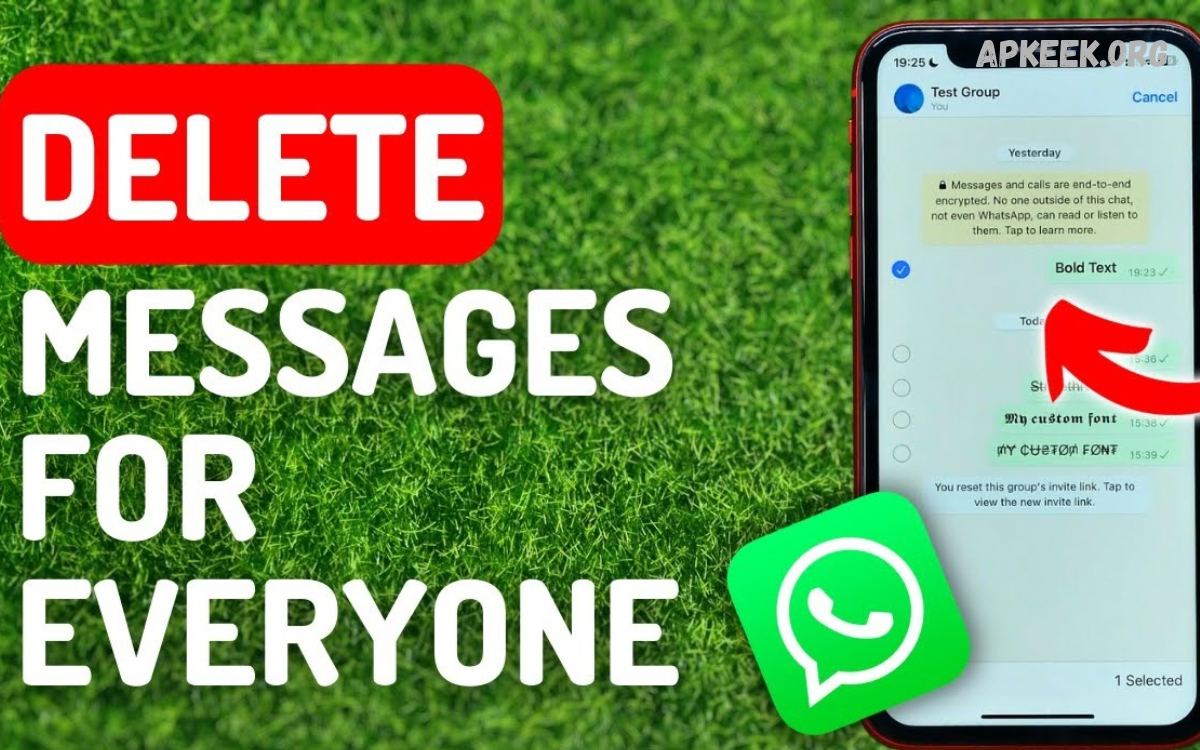
WhatsApp provides a convenient messaging experience, allowing users to share text messages, photos, videos, documents, voice notes, and other content. However, mistakes can happen while sending messages.
The How to Delete WhatsApp Messages for Everyone feature helps users remove sent messages from individual chats and group conversations. Instead of deleting a message only from your device, this option requests removal from the chat for other participants.
What Does Delete for Everyone Mean on WhatsApp?
Delete for Everyone is a WhatsApp feature that allows users to remove messages from conversations after sending them. Once the deletion succeeds, the original message disappears from the chat for participants using supported versions of WhatsApp.
This feature works in individual conversations and group chats. However, WhatsApp replaces the removed message with a notification indicating that a message was deleted, so participants know something was removed.
How to Delete WhatsApp Messages for Everyone on Android
Android users can delete unwanted WhatsApp messages through a simple process. Open WhatsApp, enter the conversation containing the message, and locate the content you want to remove.
Press and hold the selected message until the action toolbar appears. Tap the delete icon, select Delete for Everyone, and allow WhatsApp to process your request.
How to Delete WhatsApp Messages for Everyone on iPhone
The deletion process on iPhone is similar to the Android method. Open WhatsApp, select the conversation, and locate the message you want to remove.
Touch and hold the message, select Delete from the available options, and choose Delete for Everyone. WhatsApp will attempt to remove the selected message from the conversation.
How to Delete Multiple WhatsApp Messages for Everyone
WhatsApp also allows users to select multiple messages within a conversation. This option helps remove several unwanted messages without repeating the entire process separately.
Open the conversation and press and hold one message. Select additional messages, tap the delete icon, and choose Delete for Everyone when available. The selected messages will be processed together.
How to Delete WhatsApp Messages for Everyone in Group Chats
Group conversations often contain messages shared with several participants. If you send something incorrectly, the Delete for Everyone option can help remove it from the group conversation.
Open the group, find your sent message, and press and hold it. Select Delete, choose Delete for Everyone, and confirm the action if WhatsApp requests confirmation.
WhatsApp Delete for Everyone Time Limit
WhatsApp provides a limited period for deleting sent messages for everyone. According to its established feature guidance, users have approximately two days after sending a message to request deletion.
Once this period expires, the Delete for Everyone option may no longer remain available. WhatsApp can change feature availability through updates, so users should check the options displayed inside their application.
Why Is Delete for Everyone Not Showing?
Sometimes, users cannot find the Delete for Everyone option after selecting a message. This situation can happen because the deletion period has expired or the message belongs to another participant.
Application compatibility and temporary technical problems can also affect available options. Updating WhatsApp, checking your internet connection, and reopening the conversation may help resolve certain issues.
Difference Between Delete for Everyone and Delete for Me
WhatsApp provides two different deletion options, and understanding their purpose prevents confusion. Delete for Everyone attempts to remove a sent message from the conversation for all participants.
Delete for Me removes the selected message only from your personal chat view. Other participants can still see their copies of the message, making this option unsuitable when you want to remove content from everyone’s conversation.
Can You Delete Someone Else’s WhatsApp Message for Everyone?
Regular WhatsApp users cannot remove another participant’s individual message for everyone. The original sender generally controls deletion of their own messages in personal conversations.
Group administrators have additional moderation abilities. Depending on WhatsApp’s available group controls, administrators can remove messages sent by other group participants.
Can You Delete WhatsApp Messages After Two Days?
WhatsApp normally restricts the Delete for Everyone feature to its permitted deletion period. After that period, the original sender may only see the Delete for Me option.
There is no guaranteed official method for removing an expired message from every participant’s device. Avoid unofficial applications claiming unlimited deletion because they can create privacy and account-security risks.
What Happens After Deleting a WhatsApp Message?
After a successful deletion, WhatsApp removes the original message from the conversation and displays a deleted-message notification. Other participants can recognize that a message was removed.
However, deletion cannot guarantee complete removal of every copy. Someone might have already read the message, captured a screenshot, copied its content, or saved shared media.
Can Recipients See Deleted WhatsApp Messages?
Recipients generally cannot view the original message inside the WhatsApp conversation after successful deletion. Instead, they see a notification indicating that the sender deleted a message.
However, notifications or previously saved content might preserve information outside the conversation. Therefore, Delete for Everyone should not be considered a guarantee that nobody has seen the original message.
How to Delete WhatsApp Photos and Videos for Everyone
WhatsApp supports deleting different message formats, including photographs and videos. If you accidentally share the wrong media, you can use the same deletion process available for regular text messages.
Open the conversation, locate the photograph or video, and press and hold it. Select Delete, choose Delete for Everyone, and confirm your selection when prompted.
How to Delete WhatsApp Voice Messages for Everyone
Voice messages can also be removed from conversations through WhatsApp’s deletion feature. This option becomes useful when an incorrect recording is sent, or a voice note reaches an unintended conversation.
Find the voice message, press and hold it, then select Delete. Choose Delete for Everyone to request removal from the conversation for other participants.
Read Also: How to Pin Chats on WhatsApp: A Complete Step-by-Step Guide
How to Delete WhatsApp Documents for Everyone
WhatsApp allows users to exchange documents, PDFs, spreadsheets, and other supported files. Sending an incorrect document can create confusion, especially in professional or educational conversations.
Locate the document message and press and hold it. Select Delete, then choose Delete for Everyone if the option remains available for that message.
Common Problems When Deleting WhatsApp Messages
Users sometimes experience deletion problems because of outdated applications, unstable internet connections, or expired deletion periods. These issues can prevent WhatsApp from processing a deletion request successfully.
Check your connection, update the application, and confirm that you selected a message sent by your account. If the required option remains unavailable, the message might no longer qualify for deletion.
How to Update WhatsApp for Better Features
Keeping WhatsApp updated helps maintain application compatibility and provides access to supported features. Older versions might lack improvements available in newer releases.
Android users can check the Google Play Store, while iPhone users can visit the Apple App Store. Search for WhatsApp and install the latest update through the official app store.
Important Things to Know Before Deleting Messages
Before selecting Delete for Everyone, remember that recipients might already have read or saved the original content. Deleting a message does not automatically remove screenshots, copied text, or files stored separately.
WhatsApp also indicates that deletion might fail if a participant uses an unsupported application version. Always check the conversation after requesting deletion to understand whether the original message was successfully removed.
Tips for Managing WhatsApp Conversations
Managing WhatsApp conversations carefully can reduce accidental messages and unnecessary confusion. Review recipients before sending sensitive information, verify attachments, and check group names before sharing content.
Use chat settings, archive options, and available privacy controls to organize conversations. These features provide additional control over messaging without requiring users to delete entire chat histories.
Frequently Asked Questions
How do I delete WhatsApp messages for everyone?
Open the conversation, press and hold your sent message, tap Delete, and select Delete for Everyone. WhatsApp will attempt to remove it from the conversation.
Can I delete WhatsApp messages after two days?
WhatsApp generally provides about two days to delete messages for everyone. After that period, this option may become unavailable.
Does Delete for Everyone remove messages from both phones?
It attempts to remove the message from the WhatsApp conversations of all participants. However, previously saved copies, screenshots, and notifications might remain.
Can I delete multiple messages for everyone?
Yes. Select and hold one message, choose additional messages, tap the delete icon, and select Delete for Everyone when available.
Why is Delete for Everyone not working?
Possible reasons include an expired deletion period, an outdated WhatsApp version, an unstable internet connection, or an unsupported app version.
Can WhatsApp group admins delete messages?
Yes. Group administrators have additional moderation permissions that can allow them to remove messages sent by other participants.
Can I delete WhatsApp messages without the recipient knowing?
WhatsApp displays a deleted-message notification after successful removal. Recipients might notice that a message was deleted, even when they cannot access its original content.
Does deleting a WhatsApp message delete its photos?
WhatsApp attempts to remove the media message from the conversation. However, recipients might have already saved the photo or video separately.
Can I recover a message deleted for everyone?
WhatsApp does not provide a standard option for restoring a message deleted for everyone. Available chat backups might contain earlier conversation data, depending on backup timing.
Is Delete for Everyone available on Android and iPhone?
Yes. WhatsApp supports this feature on Android and iPhone. The process is similar, although menu layouts can differ between operating systems.
Conclusion
The How to Delete WhatsApp Messages for Everyone feature provides a practical way to correct messaging mistakes and remove unwanted content from individual and group conversations. Android and iPhone users can access this option through the message-selection menu.
Understanding deletion limits, application compatibility, and privacy considerations helps users manage WhatsApp conversations responsibly. Remember that deleting a message cannot guarantee removal of copies already saved or viewed by recipients.
