

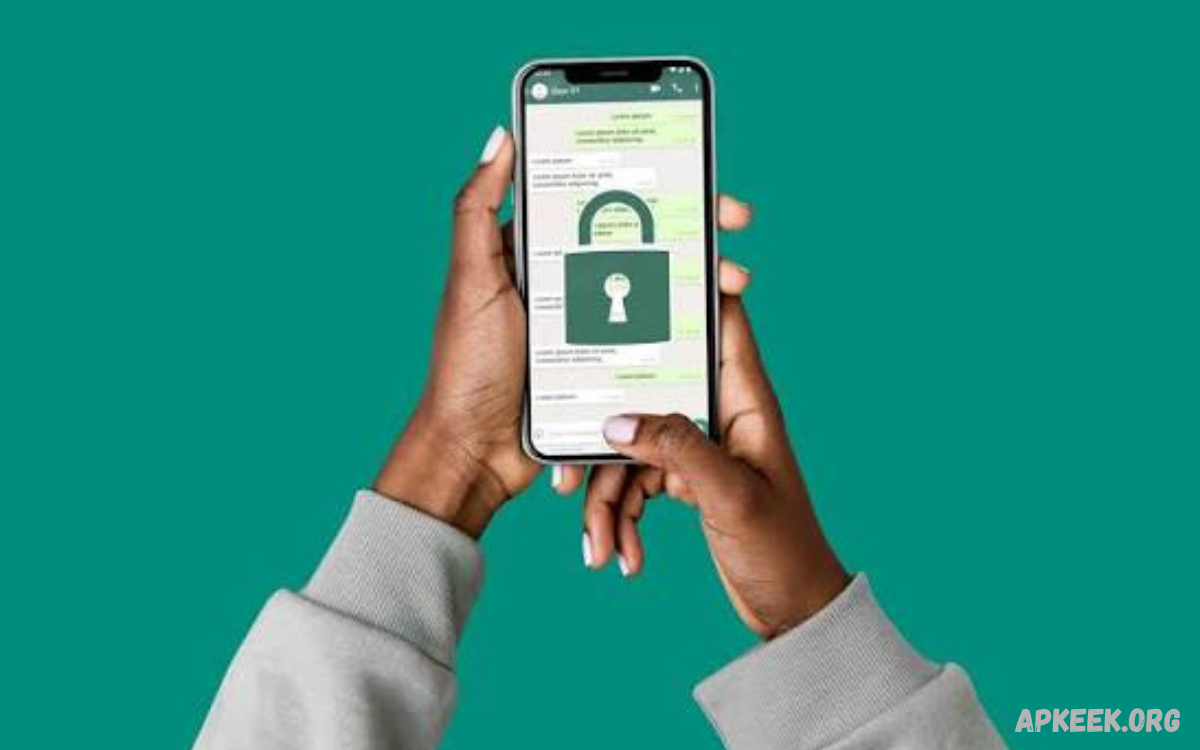
WhatsApp Security has become increasingly important as messaging apps play a major role in personal communication, business conversations, file sharing, payments, and everyday digital activities. Millions of people use WhatsApp to exchange private messages, photographs, documents, voice notes, and other sensitive information.
A secure WhatsApp account requires more than simply installing the official application. Users should understand privacy settings, account protection, two-step verification, encrypted communication, linked devices, suspicious messages, and common social engineering techniques.
What Is WhatsApp Security?
WhatsApp Security refers to the collection of technologies, privacy controls, account protections, and user practices designed to protect WhatsApp accounts and communications. These measures help reduce risks involving unauthorized access, malicious links, account takeover attempts, scams, and unwanted exposure of personal information.
Security also depends on how users interact with the application. Strong account settings are useful, but users should still avoid sharing verification codes, opening suspicious links, installing unofficial applications, or approving unfamiliar login requests. Good security combines platform protections with careful user behavior.
How WhatsApp Protects Your Messages
WhatsApp uses end-to-end encryption for personal messages and calls. This means the content of an encrypted conversation is designed to remain accessible only to the participants communicating with each other, rather than being readable by someone intercepting the communication during transmission.
End-to-end encryption is an important layer of WhatsApp Security, but it does not protect every part of a user’s digital environment. If someone gains access to an unlocked phone, a linked device, a backup account, or a verification code, they may still create serious privacy risks.
WhatsApp End-to-End Encryption Explained
End-to-end encryption protects the contents of messages while they travel between participating devices. The encryption process is designed so that the message content cannot simply be read by an intermediary while it is being transmitted between users.
Users should understand that encryption does not make every interaction automatically safe. A scammer can still persuade someone to reveal confidential information, send money, share a verification code, or open a dangerous website. Security technology cannot replace cautious digital behavior.
Why Two-Step Verification Matters
Two-step verification adds an additional security layer to a WhatsApp account. After enabling this feature, users create a personal PIN that can help protect the account from unauthorized registration attempts. This is especially useful if someone obtains access to a phone number or attempts to register the account elsewhere.
The two-step verification PIN should remain private and should never be shared with another person. Users should also make sure their recovery information is accurate and protected. Combining two-step verification with a secure device lock provides stronger overall account protection.
How to Enable WhatsApp Two-Step Verification
To enable two-step verification, open WhatsApp and access the account settings. Select the privacy or account-related security option where two-step verification is available, then follow the on-screen instructions to create a PIN and add recovery information if requested.
Choose a PIN that is difficult for other people to guess and avoid using information such as birthdays or simple number sequences. Never send the PIN through messages or provide it to someone claiming to be a WhatsApp representative, friend, family member, or technical support agent.
Protect Your WhatsApp Verification Code
The WhatsApp registration code is one of the most sensitive pieces of information associated with an account. Someone who convinces you to provide this code may attempt to register your phone number on another device and gain control over your account.
Legitimate contacts should not need your registration code. If someone sends a message asking you to forward a six-digit code, treat the request as suspicious, even if the person appears to be someone you know. Their account may have been compromised or the request may be part of an account takeover attempt.
Use a Strong Phone Lock
WhatsApp Security begins with the device itself. A strong screen lock prevents unauthorized people from easily opening WhatsApp when your smartphone is lost, stolen, or temporarily left unattended. Use a secure PIN, password, fingerprint, or supported biometric authentication method.
Avoid leaving your phone unlocked in public places or around people you do not trust. Device security is particularly important because encrypted messages can still become visible if another person gains physical access to an unlocked device.
WhatsApp Privacy Settings You Should Review
WhatsApp provides privacy settings that allow users to control who can see certain account information and interact with them. Depending on the available options, users can manage visibility for information such as profile details, status updates, profile photographs, and online activity.
Review these settings regularly rather than automatically accepting broad visibility options. Limiting personal information to trusted contacts can reduce unwanted attention and make it more difficult for strangers to collect information about your identity and activity.
Control Who Can Add You to Groups
Unexpected WhatsApp groups can expose users to spam, scams, unwanted advertisements, and suspicious content. WhatsApp provides controls that can help users manage who can add them to groups, reducing unwanted invitations from unfamiliar accounts.
Review your group privacy settings and choose the option that matches your communication needs. If an unfamiliar person repeatedly attempts to contact you or add you to unwanted groups, blocking and reporting the account can provide additional protection.
Manage Linked Devices
Linked devices are useful when you want to access WhatsApp from a computer, tablet, or another supported device. However, an unfamiliar linked device can represent a serious privacy concern because it may provide access to conversations through the authorized session.
Regularly check the Linked Devices section inside WhatsApp settings. If you notice a device or session you do not recognize, log it out immediately and investigate how it became connected. Avoid leaving WhatsApp linked on public or shared computers.
WhatsApp Security on Public Computers
Using WhatsApp on a public or shared computer requires additional caution. A browser session may remain active if the user forgets to log out, potentially allowing another person who uses the same computer to access the account.
Always verify that you are using your own trusted device and browser when accessing WhatsApp Web or another linked experience. After using a shared computer, check your linked-device sessions and remove any session that should no longer have access.
Recognizing WhatsApp Phishing Scams
Phishing scams attempt to trick users into revealing passwords, verification codes, financial information, or other private details. WhatsApp phishing messages may appear to come from friends, businesses, support representatives, delivery companies, or other familiar sources.
Warning signs include urgent requests, unusual links, unexpected prizes, account suspension threats, requests for verification codes, and messages demanding immediate action. When a message creates unnecessary pressure, verify the sender through another trusted communication method before taking action.
Avoid Suspicious WhatsApp Links
Links received through WhatsApp can lead to legitimate websites, but malicious links may redirect users to fake login pages, fraudulent offers, or websites designed to collect personal information. Never assume a link is safe simply because it arrives from someone you recognize.
Before opening an unfamiliar link, examine the message and context carefully. If the sender claims that your account requires urgent verification, visit the official service through its known website or application instead of using a link supplied in an unexpected message.
Beware of Fake WhatsApp Support Messages
Scammers may impersonate customer support representatives and claim that an account has experienced a security problem. They may request verification codes, passwords, personal information, or remote access to a device.
Do not share sensitive account information with unexpected contacts. If you believe there is a genuine security issue, use official WhatsApp help and account-recovery channels rather than relying on an individual who contacts you through an unsolicited message.
Keep WhatsApp Updated
Installing updates is an important part of WhatsApp Securty because software updates can include security improvements, bug fixes, performance changes, and new privacy features. Running an outdated version may prevent users from receiving important improvements.
Enable automatic updates where practical or periodically check your device’s official application store for available updates. Download WhatsApp only from trusted official sources and avoid modified versions distributed through unknown websites or unofficial channels.
Read Also: How Does Life Insurance Work – A Complete Guide to Coverage and Benefits
Risks of Modified WhatsApp Apps
Modified WhatsApp applications may advertise additional themes, customization options, privacy controls, or features that are not available in the official application. However, unofficial applications can introduce security and privacy risks because their software and distribution methods may not receive the same level of trust as official releases.
Installing an unknown modified application may expose messages, credentials, files, contacts, or other information. For stronger WhatsApp Security, use the official WhatsApp application obtained through a trusted app store or official distribution channel.
Protect WhatsApp Backups
Backups can help users recover important conversations after changing phones or reinstalling WhatsApp. However, users should understand how backup protection works and review the security options available for their account and backup environment.
If an encrypted backup option is available, consider enabling it and creating a strong password or encryption key that only you can access. Never share backup credentials with another person, and store recovery information somewhere secure so that you do not accidentally lose access.
WhatsApp Security and Notifications
Message previews displayed on a locked screen can reveal sensitive information to anyone who can see your phone. Even when WhatsApp itself is protected, notification content may expose parts of private conversations.
Review your device notification settings and consider hiding message previews on the lock screen when privacy is important. This is particularly useful when you frequently use your phone in offices, schools, public transportation, or other shared environments.
Block and Report Suspicious Accounts
Blocking prevents unwanted communication from a particular WhatsApp account, while reporting can help identify accounts that may violate platform rules or engage in abusive or suspicious activity. These controls are useful when dealing with spam, harassment, scams, or repeated unwanted messages.
Do not continue conversations with suspicious accounts simply to investigate them. Save relevant information when appropriate, block the account, and use WhatsApp’s reporting features when necessary. Avoid clicking links or downloading files from accounts you do not trust.
WhatsApp Security for Business Accounts
Businesses often use WhatsApp to communicate with customers, suppliers, employees, and partners. Because these conversations can contain invoices, customer information, order details, and other sensitive data, business accounts require careful security management.
Business users should restrict account access to authorized employees, use secure devices, protect linked sessions, and establish clear procedures for handling verification codes and sensitive information. Employees should also receive basic training on phishing, impersonation, and social engineering attacks.
WhatsApp Security for Personal Information
Avoid publishing more personal information than necessary through your WhatsApp profile, status, or conversations. Information such as your full identity, location, workplace, daily routine, or private photographs can potentially be misused when shared with unknown contacts.
Review your privacy settings and think carefully before sharing sensitive information. Remember that even trusted contacts can lose control of a device or account. Limiting unnecessary personal information can reduce the consequences of a future security incident.
Common WhatsApp Security Mistakes
One of the most common mistakes is sharing a verification code with another person. Other mistakes include using weak device locks, ignoring unfamiliar linked devices, installing unofficial WhatsApp applications, opening suspicious links, and leaving WhatsApp sessions active on shared computers.
Another mistake is assuming that encryption protects users from every type of scam. Encryption protects communication content during transmission, but it cannot prevent a person from voluntarily sending information to a scammer. Understanding this distinction is essential for practical digital security.
What to Do If Your WhatsApp Account Is Hacked
If you believe someone has gained unauthorized access to your WhatsApp account, act quickly. Review linked devices, secure your phone number and email account, enable two-step verification, and follow WhatsApp’s official account-recovery instructions where necessary.
Inform close contacts if suspicious messages may have been sent from your account. This can prevent friends or family members from trusting fraudulent requests. After recovering the account, review privacy and security settings and determine how the unauthorized access may have occurred.
WhatsApp Security Best Practices
A strong WhatsApp Security routine includes enabling two-step verification, protecting your verification code, using a secure device lock, keeping the application updated, reviewing linked devices, and limiting unnecessary personal information.
Users should also be cautious with links, attachments, unexpected requests, and messages that create urgency. Regular security checks take only a few minutes but can significantly improve protection against common account and privacy threats.
Frequently Asked Questions
Is WhatsApp secure for private conversations?
WhatsApp uses end-to-end encryption for personal messages and calls, providing an important layer of protection for communication content. However, users should still protect their devices, accounts, backups, and verification information.
How can I make my WhatsApp account more secure?
Enable two-step verification, use a strong phone lock, keep WhatsApp updated, review linked devices, and avoid sharing your registration code. These steps create multiple layers of account protection.
Can someone access my WhatsApp without my permission?
Unauthorized access can occur through account takeover attempts, stolen verification codes, compromised devices, or active sessions on unfamiliar linked devices. Protecting account credentials and monitoring linked devices can reduce these risks.
Is WhatsApp end-to-end encrypted?
WhatsApp uses end-to-end encryption for personal messages and calls. This technology is designed to protect communication content while it is being transmitted between participants.
Should I enable two-step verification on WhatsApp?
Two-step verification provides an additional security layer for your WhatsApp account. It is useful because an attacker attempting to register your phone number may face an additional PIN requirement.
What should I do if someone asks for my WhatsApp code?
Do not share your WhatsApp registration or verification code. Treat unexpected requests for this code as a potential account takeover attempt, even when the request appears to come from someone you know.
How do I check WhatsApp linked devices?
Open WhatsApp and access the Linked Devices section through the application settings. The section shows devices or browser sessions associated with your account.
Are modified WhatsApp apps safe?
Modified WhatsApp applications from unofficial sources can introduce additional privacy and security risks. Their code, distribution methods, and data practices may not provide the same level of trust as official software.
Can WhatsApp protect me from scams?
WhatsApp provides security and privacy features, but no messaging platform can prevent every scam. Attackers can use social engineering to persuade users to send money, reveal codes, or open malicious links.
What is the most important WhatsApp Security habit?
Protecting your verification code is one of the most important account-security habits. Never give the code to another person, regardless of what they claim or how urgent the request appears.
Conclusion
WhatsApp Security depends on multiple layers of protection rather than one individual feature. End-to-end encryption helps protect message content, while two-step verification, privacy controls, secure devices, linked-device management, and careful online behavior provide additional layers of defense.
The most effective approach is to make security a regular habit. Keep WhatsApp updated, protect your verification code, review account settings, avoid suspicious links, and never provide confidential information simply because someone requests it through a message. These practices can help maintain stronger privacy and account security.
